
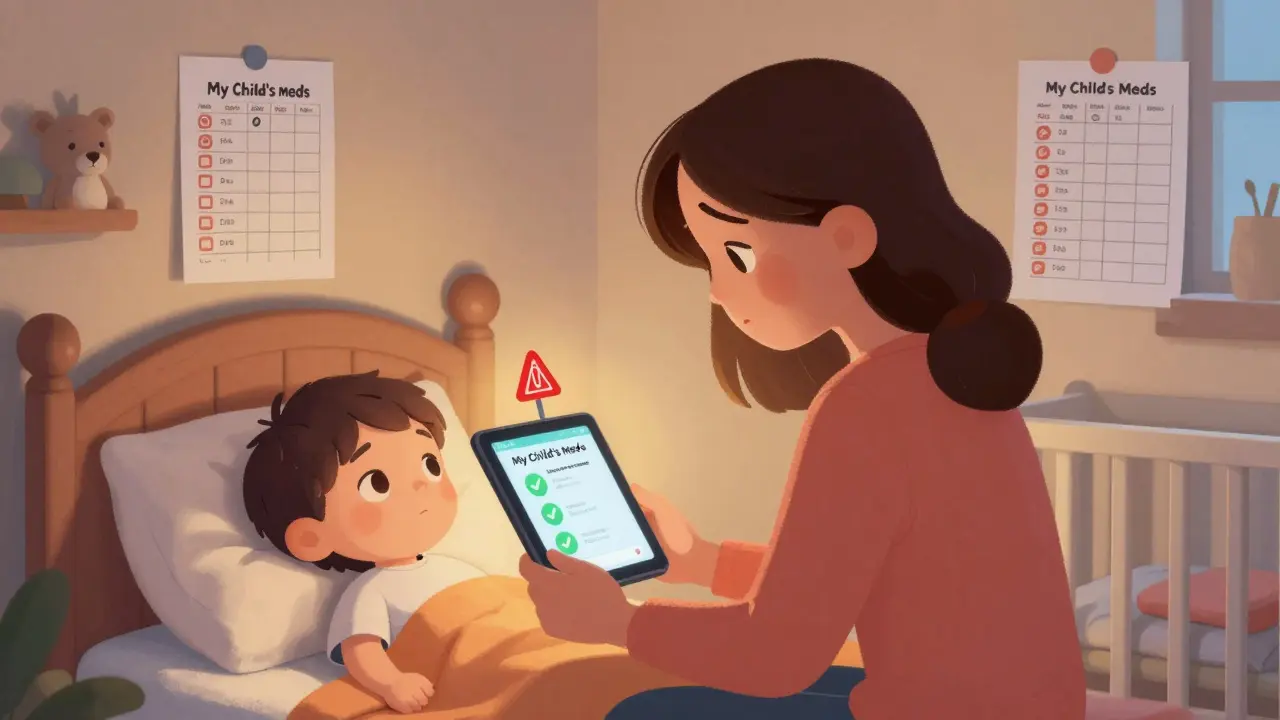
Getting the right dose of medicine for a child isn’t just tricky-it’s life-or-death. A mistake of a few milligrams can turn a helpful treatment into a dangerous overdose. Unlike adults, kids don’t get standard doses. Their weight, age, and even kidney function change how their bodies handle medicine. That’s why tracking pediatric doses with apps and dosing charts isn’t optional-it’s essential.
Why Pediatric Dosing Is So Different
Pediatric medications aren’t just smaller versions of adult pills. They’re calculated using precise formulas based on weight in kilograms, not body size or age alone. A 10-pound baby and a 70-pound child might need the same medicine, but the amounts could differ by tenfold. Manual calculations are slow and error-prone. A 2022 study in Pediatric Emergency Care found that doctors taking more than 18 seconds to calculate a dose made mistakes 12.3% of the time. That’s nearly 1 in 8 doses wrong. The stakes are high. According to the Institute for Safe Medication Practices, medication errors in children happen up to three times more often than in adults. Most of these errors happen during transitions-when a child leaves the hospital and goes home. That’s when parents, tired and overwhelmed, try to match hospital instructions with their own notes, calendars, or scribbled reminders. That’s where apps and dosing charts step in.Apps for Clinicians: Speed, Accuracy, and Emergency Readiness
In hospitals and ERs, speed and precision matter most. Apps like Pedi STAT were built for this. Developed by emergency doctors at Connecticut Children’s Medical Center in 2009, it lets clinicians enter a child’s weight in seconds and instantly get accurate doses for 200+ medications, including emergency drugs like epinephrine and albuterol. Version 4.2.1, updated in May 2023, works on iOS and Android and requires no internet connection-critical when power or Wi-Fi fails. It doesn’t just calculate. It includes equipment sizing, like the right-sized endotracheal tube based on the child’s height. That’s not a luxury-it’s a lifesaver in chaotic moments. A 2023 NIH study showed that using tools like Pedi STAT cut calculation time by 67% and reduced dosage errors by 43% compared to paper charts or mental math. Another key tool is Epocrates. It’s been around since 1998 and now covers over 4,500 medications. Its strength? Drug interaction alerts. If a child is on multiple meds, Epocrates flags dangerous combinations. But it’s not built for emergencies. It takes longer to navigate. For fast-paced ERs, Pedi STAT wins. For outpatient clinics managing chronic conditions, Epocrates is a solid choice. Then there’s PedsGuide by Children’s Mercy Kansas City. It’s trusted in hospitals but locked behind institutional licenses. Parents can’t use it. That’s intentional-it’s designed for trained staff, with complex terminology and protocols meant for professionals. It’s the gold standard in clinical settings, but useless at home.Apps for Parents: Simplicity, Reminders, and Peace of Mind
At home, parents need something simple, visual, and reliable. That’s where My Child’s Meds shines. Developed with input from the Royal College of Paediatrics and Child Health and WellChild, this iOS app lets parents log every medication, set reminders, and track doses with color-coded icons. A green checkmark means it’s done. A red flag warns if a dose was missed or might be duplicated. One feature that stands out: it blocks double dosing. If a parent tries to mark a dose that was already given within the last 4 hours, the app won’t let them. In a 2023 survey of 2,500 users, parents reported a 38% drop in dosing errors after using it. One mom, Sarah K., wrote in her App Store review: “This app saved us from a potential overdose when my toddler’s fever reducer schedule got confusing during night feedings.” Another popular option is NP Peds MD, created by Northpoint Pediatrics. It doesn’t calculate doses-it gives you clear, printable charts based on weight. For common meds like acetaminophen or ibuprofen, you just find your child’s weight on the chart and see the exact number of milliliters to give. No math needed. Consumer Reports found that 78% of parents using these visual charts got the dose right, compared to only 52% using printed paper charts. These apps are free. No subscriptions. No hidden fees. That’s huge. Many parents avoid paid apps because they’re unsure if they’re worth it. My Child’s Meds and NP Peds MD are backed by pediatric experts, not tech startups. That matters.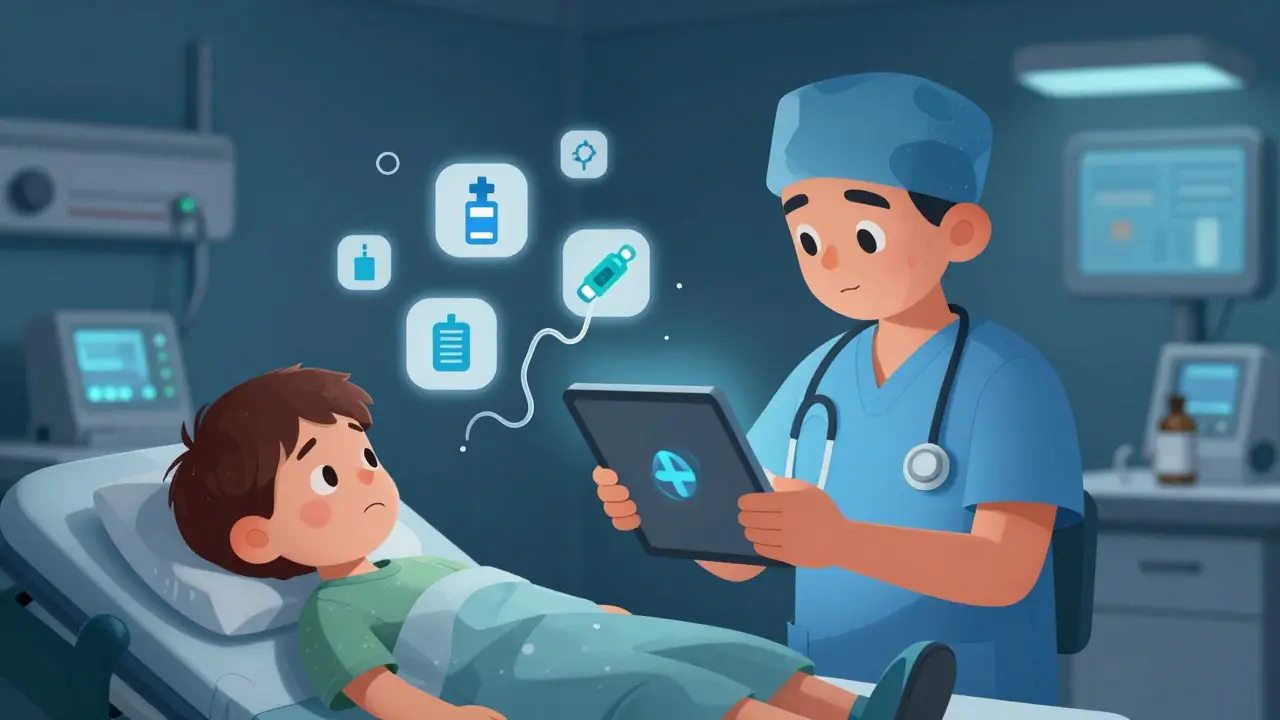
The Dangerous Gap Between Hospital and Home
Here’s the problem no one talks about enough: hospital apps and home apps don’t talk to each other. A child gets discharged with a handwritten dose sheet. The parent tries to enter it into My Child’s Meds. But the hospital used kilograms. The parent’s app expects pounds. A simple mix-up leads to a 300% overdose-like the case in the Journal of Pediatric Pharmacology and Therapeutics where a 22-month-old got too much ibuprofen because a parent entered weight in pounds instead of kilograms in a free, unverified app. A 2023 American Academy of Pediatrics survey found that 87% of medication errors in kids happen during care transitions. That’s not a flaw in the apps-it’s a flaw in the system. Hospitals give out paper. Parents use digital tools. Nothing connects. Some apps, like ChildrensMD, try to fix this with a “share with provider” button. It lets parents email their medication log directly to the pediatrician. That feature reduced information gaps by 57% in user data. But it’s not standard. Most apps don’t have it.What to Look for in a Pediatric Dosing App
Not all apps are created equal. Here’s what to check before downloading:- Is it clinically validated? Look for endorsements from pediatric hospitals, pharmacies, or associations like the Royal College of Paediatrics. Avoid apps with no source information.
- Does it use kilograms? All professional guidelines use kg. If the app asks for pounds first, it’s a red flag. Weight should be entered in kg, and the app should convert automatically.
- Does it prevent double dosing? A good app won’t let you log the same dose twice within the safe window.
- Is it free? Paid apps aren’t better. My Child’s Meds and NP Peds MD are free and trusted.
- Does it work offline? Internet can fail. Apps that require Wi-Fi to calculate doses are risky.
Best Practices: Even the Best App Can’t Replace Common Sense
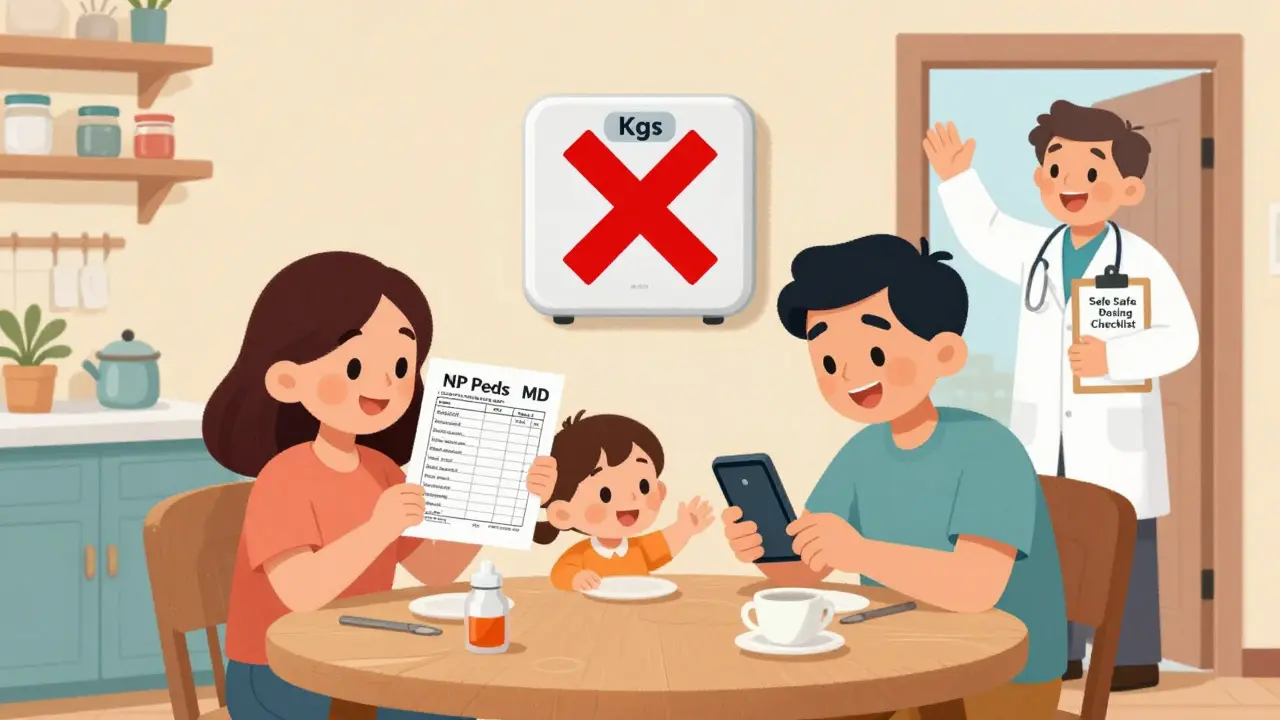
Apps help, but they’re not magic. Always follow these rules:- Verify the weight. Use the same scale every time. If the hospital used a different scale, ask for the exact weight in kg.
- Double-check the math. Even if the app says 5 mL, cross-reference with the drug’s official dosing chart. The Harriet Lane Handbook is the gold standard for clinicians.
- Keep a paper backup. Power outages, app crashes, or forgotten phones happen. Always have a printed copy of the dosing schedule.
- Reconcile weekly. Compare your app log with your pharmacy’s refill records. If the pharmacy says you picked up 100 mL but your app shows you used 150 mL, something’s off.
- Teach everyone. Grandparents, babysitters, nannies-they all need to know how the app works. Don’t assume they’ll figure it out.
The Future: Smarter Tools Coming Soon
The next wave of pediatric dosing tools is already here. Pedi STAT is testing AI that predicts when a parent is likely to make a mistake based on past behavior. Boston Children’s Hospital is trialing smart pill dispensers that release the right dose at the right time and send alerts if skipped. And HIMSS is working on a universal data format so hospital discharge instructions can auto-sync with parent apps. But none of that matters if we don’t fix the basics. No app replaces education. No algorithm replaces a second pair of eyes. The best tool is still a parent who knows their child’s weight, understands the difference between mg and mL, and isn’t afraid to call the pediatrician when something feels off.Frequently Asked Questions
Can I use a general medication app for my child?
No. General apps like Medisafe or MyTherapy aren’t designed for children. They use adult dosing standards and don’t account for weight-based calculations. Using them for kids can lead to dangerous under- or overdosing. Always use apps built specifically for pediatric use, like My Child’s Meds or NP Peds MD.
Are free pediatric dosing apps safe?
Yes-if they’re from trusted sources. My Child’s Meds and NP Peds MD are free and developed with input from pediatric pharmacists and hospitals. Avoid free apps with no clear developer, no citations, or no explanation of how doses are calculated. If you can’t find who made it, don’t trust it.
What if my child’s weight changes quickly?
Update the weight in your app every time you see the pediatrician or if there’s a noticeable change-like after an illness or growth spurt. Many apps let you set reminders to check weight monthly. For infants under 6 months, weigh them weekly. Dose accuracy depends on accurate weight.
Do I still need to use dosing charts if I have an app?
Yes. Apps can crash, batteries die, or you might forget your phone. Always keep a printed dosing chart from your pediatrician or pharmacy. Use the app as your main tool, but treat the paper chart as your backup. Safety is about redundancy.
How do I know if an app is approved by pediatric experts?
Look for logos or mentions of reputable organizations on the app’s website or description: Royal College of Paediatrics and Child Health, Children’s Hospital of Philadelphia, WellChild, or the American Academy of Pediatrics. If the app says it’s “pediatrician-approved” but doesn’t name who, be skeptical.


15 Comments
David Chase
THIS IS WHY AMERICA IS FALLING APART!! 🤬 Parents are too lazy to read the damn label! Why do we need an app to tell us how much Tylenol to give? My kid got sick in 1998 and we used a spoon and a prayer-AND WE DIDN’T LOSE ANYONE! 🇺🇸💥
Emma Duquemin
OMG I JUST CRIED READING THIS. 🥹 My daughter had a near-miss with ibuprofen last winter because I mixed up mL and mg on a napkin. This app? My lifeline. I print the chart, I screenshot the app, I have a sticky note on the fridge. I even taught my mom how to use it-she’s 72 and now she’s the family dosing queen. 💪💊
Kevin Lopez
The 12.3% error rate cited is statistically insignificant without confidence intervals. Also, Pedi STAT’s 43% reduction claim is based on a non-randomized pilot with n=47. Peer-reviewed? No. Validated? Debatable. This is anecdotal advocacy masquerading as evidence.
Samar Khan
I don't trust apps. 😒 My cousin's kid died because the app glitched and gave double dose. WHO MADE THIS? WHY IS IT FREE? NOBODY CHECKS THE CODE. 💔
Russell Thomas
Wow. So you're telling me we need a $0 app to stop parents from being dumb? What’s next? A vibrating collar that shocks you if you try to feed your kid cereal before 6 months? 🙄
Amy Cannon
I must say, this is a profoundly thoughtful and meticulously structured exposition on pediatric pharmacological safety. While I appreciate the pragmatic utility of digital tools, one cannot help but reflect upon the systemic erosion of foundational medical literacy among caregivers in the digital age. The reliance upon algorithmic intermediaries to perform basic arithmetic-however laudable their intent-risks fostering a dangerous passivity in parental responsibility. One wonders if the next generation will know how to count to ten without a smartphone. 🤔
Himanshu Singh
this is sooo helpful!! i live in india and we dont have access to these apps easily but i printed the chart and now i use it every time. thank you for sharing!! 🙏❤️
Jasmine Yule
I’m so glad someone finally said this. I used to panic every time I had to give medicine. Now I use My Child’s Meds and I sleep at night. But I still keep the paper chart taped to the fridge. Redundancy saves lives. 💙
Lisa Dore
I’m a nurse and I use Pedi STAT at work. It’s a game-changer. But I also show parents how to use the free apps before they leave the hospital. One mom cried and said, ‘I didn’t know I could trust something this simple.’ That’s why this matters. Not because it’s tech-it’s because it’s care.
Sharleen Luciano
I’m sorry, but ‘My Child’s Meds’? That’s the best you’ve got? No HIPAA compliance? No audit trail? No integration with EHRs? This is a glorified Notes app with emojis. Real clinical tools require FDA clearance, not ‘pediatrician-approved’ marketing fluff.
Jim Rice
You say apps reduce errors. But what about the errors they cause? My neighbor’s kid got 10mL of amoxicillin because the app auto-filled the wrong weight. She didn’t check. Now the kid’s in the ER. Tech doesn’t replace vigilance. It replaces thinking.
Henriette Barrows
I just wanted to say thank you. My son is autistic and gets overwhelmed with meds. The color-coded system in My Child’s Meds? It’s the only thing that keeps him calm. I don’t care if it’s not FDA-approved-I care that it works. And it does.
Alex Ronald
For parents: Always check the concentration. Tylenol is 160mg/5mL for infants but 100mg/5mL for children. Mixing them up is a silent killer. Apps should auto-detect this-but most don’t. Always verify the bottle.
Teresa Rodriguez leon
I used to trust apps. Now I don’t. My daughter’s fever went from 101 to 105 because the app didn’t update the time. I didn’t notice until it was too late. Never again.
Tamar Dunlop
In Canada, we have the Canadian Paediatric Society’s dosing guidelines, which are publicly accessible and updated annually. It’s a shame that in the United States, the burden of safety falls so heavily on parents rather than on institutional standardization. Perhaps the future lies not in apps, but in a unified, publicly funded pediatric pharmacological database accessible to all clinicians and caregivers alike.